Projects & boards
Every project knows its client. Every board knows its project.
Drag-and-drop boards for the work itself — and because the project belongs to a client, the hours you log here become the invoice you send later.
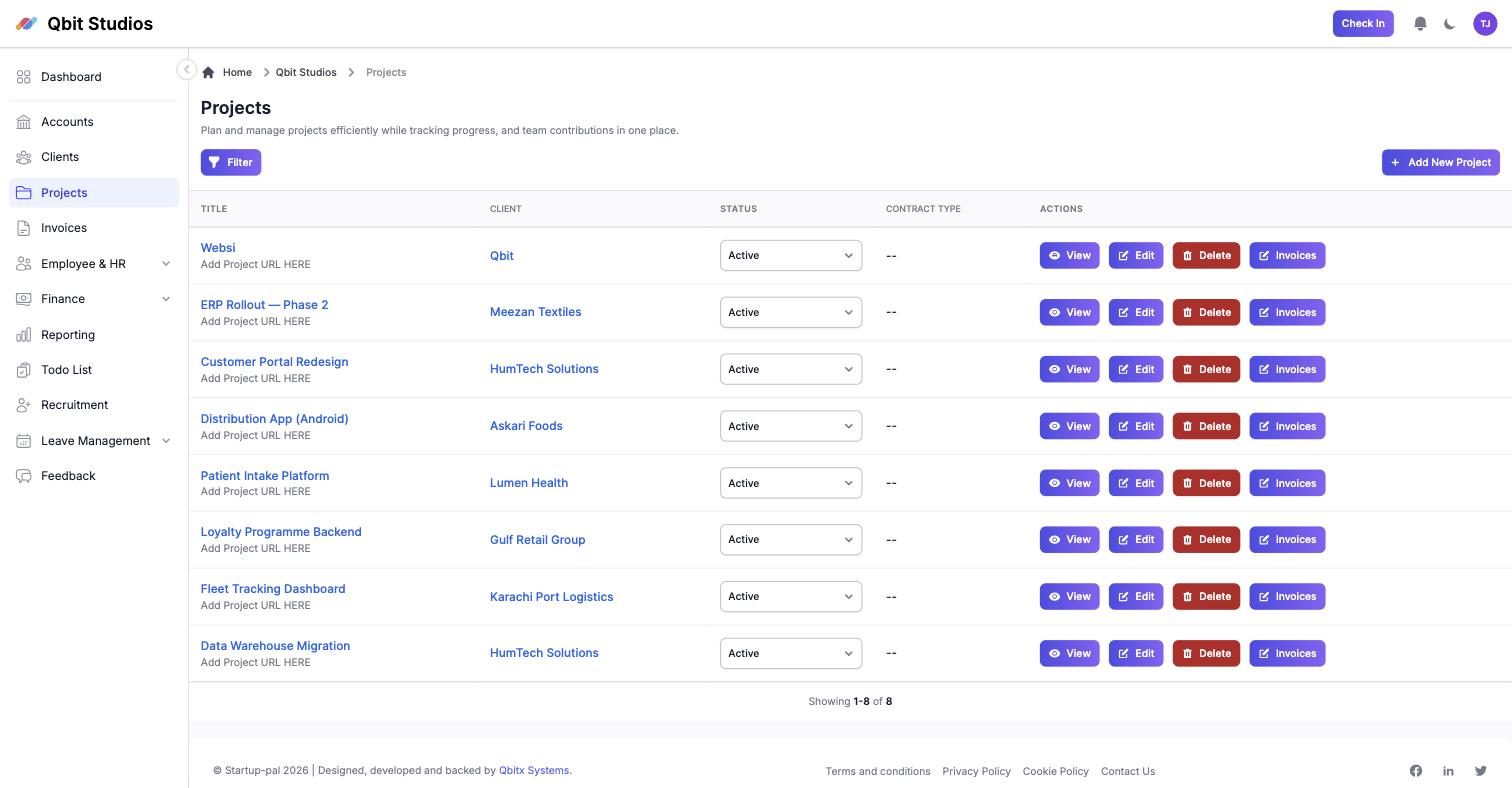
Projects tied to clients, each with its own board and billing type.
Kanban boards
Columns, drag-and-drop cards, priorities and assignees — the board is where the day actually happens.
Client-linked projects
Every project belongs to a client, so billing, hours and history never need re-attaching.
Tasks and deadlines
Assign, prioritise, and see what's due before it's late.
ClickUp import
Bring an existing board across instead of rebuilding it column by column.
Project members
Who's on what, visible — and timesheets follow from it.
One click to invoices
Generate and find a project's invoices from the project itself.
Frequently asked questions
Can we import our existing boards?
Yes — boards import from a ClickUp export, columns and cards included.
Do boards work for non-software teams?
A board is just columns and cards. Agencies run design and content pipelines on them the same way.
How do projects connect to money?
A project belongs to a client and carries its invoices and logged hours, so revenue per project is a report, not a reconstruction.
Still unsure? Message us on WhatsApp — we usually reply within the hour, 9–6 PKT.
Make the 28th boring.
Fourteen days, the whole product, no card. If it hasn't saved you a day by the end of it, walk away.